


Niagara College Students
Your U-Pass rides all over Niagara.
Hey Knights. Your U-Pass covers every Niagara Transit bus while you’re studying, at both the Welland and NOTL campuses. Here’s what you need.

Your U-Pass
Unlimited transit while you study
The U-Pass (Universal Bus Pass) lets eligible Niagara College students ride all Niagara Transit buses throughout their program of study. It’s a mandatory fee charged each semester, so your transit is sorted the moment you’re enrolled.
Getting your U-Pass on the Transit app
Your U-Pass lives in the Transit app. Register once with your NC student email and it appears in the app, usually within 24 hours.
Download the Transit app
Get it free on the App Store or Google Play, then open it.
Find Niagara Transit
Tap your profile picture, top left, scroll to the bottom and choose Niagara Transit.
Register with your NC email
Create an account using your student email ending in @ncstudents.niagaracollege.ca.
Activate your pass
Once your U-Pass appears (it can take up to 24 hours), tap Activate. Show it to the operator when you board.
Do
- Register with your correct NC student email
- Keep your phone charged and ready to show your pass
- Register early; the pass can take a few days to appear
Don’t
- Log in on multiple devices; it locks you out
- Delete and re-register if your pass isn’t showing; that also locks you out
No phone?
If you don’t have a phone to access the pass, NCSAC will help you get set up. Reach out through the NCSAC transit page or visit their office at either campus.
What your U-Pass covers
Where your pass works, and where it doesn’t
Your U-Pass covers Niagara Transit, but not every bus you’ll see in the region is Niagara Transit.
✓ Included
- All Niagara Transit routes, region-wide
- Niagara Transit Plus (Microtransit)
✗ Not included
- GO Transit buses
- WEGO buses in the Niagara Falls tourist area
These are separate systems with their own fares. See GO Transit Connections and Visiting Niagara Falls.
Need specialized transit? Apply through Niagara Transit Plus. You’ll book and track rides in the NT+ app, and show your U-Pass when your ride arrives.
Getting to campus
Routes serving Niagara College
These routes serve both Niagara College (NC) campuses:
- Welland Campus (NC Welland)
- Daniel J. Peterson Campus in Niagara-on-the-Lake (NC NOTL)
Tap any route badge for its schedule.
Welland Campus
Route 502 (opens in a new window)
Rice Road
Route 509 (opens in a new window)
Niagara Street
Route 503 (opens in a new window)
First Avenue
Route 70 (opens in a new window) Route 75 (opens in a new window)
St. Catharines <-> Welland Campus
Niagara-on-the-Lake Campus
Route 40 (opens in a new window) Route 45 (opens in a new window)
Niagara Falls <-> NC NOTL <-> St. Catharines
Route 70 (opens in a new window) Route 75 (opens in a new window)
St. Catharines <-> Welland
Route 60 (opens in a new window) Route 65 (opens in a new window)
Niagara Falls <-> NC NOTL <-> Welland
Campus Shuttle (Seasonal)
Route 34 (opens in a new window)
Niagara College Campus Link
Route 34, the Campus Link between the Welland and NOTL campuses, only runs during the Niagara College academic calendar (September to April).
New to the bus?
Quick video guides to riding

How To Ride The Bus
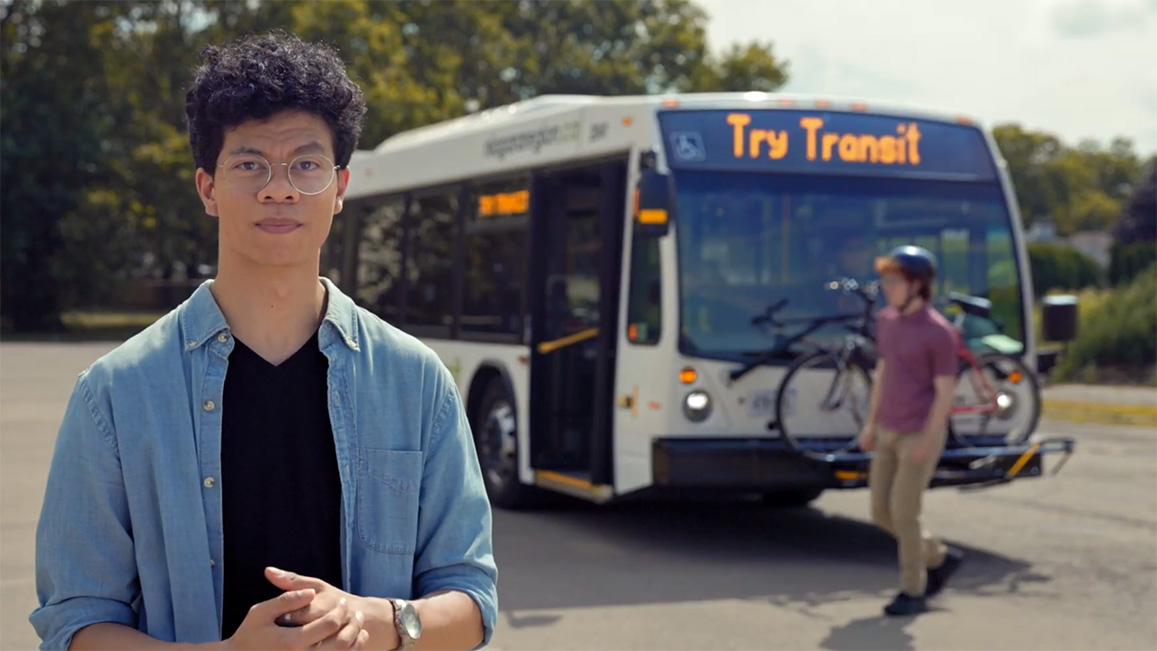
Using Transit With Your Bicycle

Accessibility on Niagara Transit
Handy links
Rider resources
Rider Guide –>
Fares and Passes –>
Holiday Hours –>
Lost and Found –>
GO Transit –>
Accessibility –>
Service Alerts –>
Feedback –>
Questions? Ask NCSAC
NCSAC administers the U-Pass, co-op opt-ins, and U-Pass feedback. Visit the office at either campus or check their transit FAQ.