



Never taken the bus, or not in a long time? You’re in the right place. Here’s everything to know before your first trip, in the order you’ll need it.
Transit for New Riders
Your first bus ride, step by step.
$3.50one ride, local or regional
2 hoursof transfers on one fare
Freefor kids 12 and under
Every bushas a ramp and a bike rack
The short version
If you remember only three things, make it these.
1
Know your route and stop
The Transit app or Google Maps tells you which bus to take and which stop to wait at. Every stop sign has a number. Write yours down.
2
Have your fare ready
The exact fare in coins or bills ($3.50), or a ticket in the Transit app. Operators can’t make change, and there’s no debit or credit on the bus.
3
Pull the cord before your stop
The bus only stops if someone asks. When your stop is announced as next, pull the yellow cord or press a red button.
Your first trip, start to finish
Six steps. Open any step for what you’ll see and hear, and a tip from our operators.
Open the Transit app or Google Maps. Type where you’re starting and where you’re going. You’ll get the route number, when to leave, and walking directions to your stop.
Write downYour route number, your stop number, and the name of the stop where you’ll get off.CheckService alerts for detours on your route that day.One ride is $3.50 and covers two hours of travel, with as many transfers as you need. Buy a ticket in the Transit app, or set aside the exact fare in coins or bills. Kids 12 and under ride free.
Tip: buying in the app means you never need cash, and your transfer is built into the ticket. Activate it just before you board.
Stand well back from the curb. Watch the bus approach in real time in the app. When it comes into view, check the route number on the sign above the windshield.
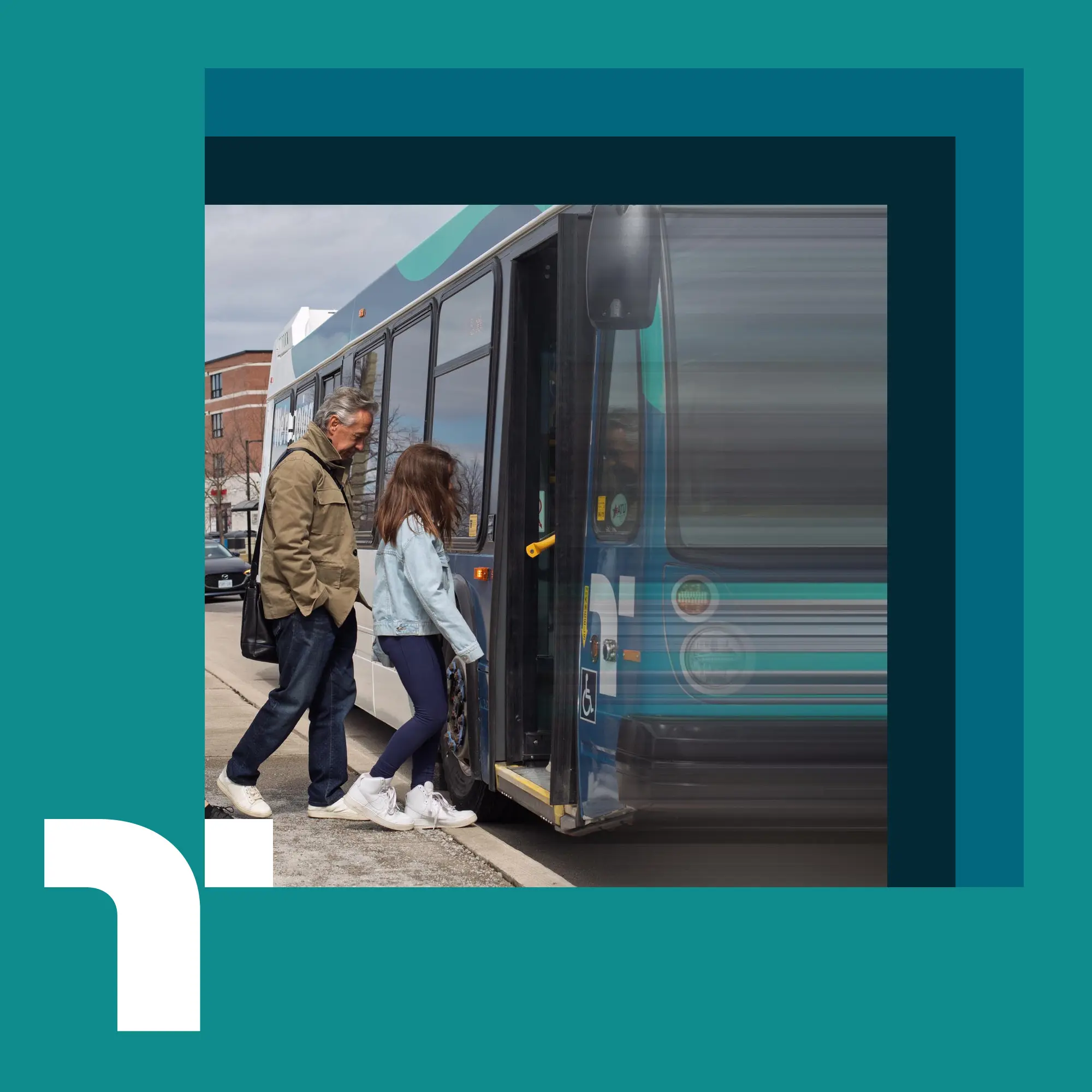
You’ll seeThe route number and destination lit up on the front of the bus.You doGive a small wave so the operator knows to stop. After dark, light up your phone screen.Let anyone getting off step down first. Then board at the front and pay: scan your app ticket, put your cash in the fare box, or show your pass.
Paying cash?Ask the operator for a transfer. It’s your proof of payment, and it gets you on your next bus within two hours.ThenFind a seat, or hold a yellow bar if you’re standing. The bus moves once everyone has paid.Tip: not sure it’s the right bus? Ask the operator where it’s going. Tell them your stop and they’ll let you know when you’re there.
Each stop is announced out loud and shown on a screen. When yours is next, pull the yellow cord along the window or press a red button.
You’ll hearA chime.You’ll seeA “stop requested” sign light up at the front.Wait until the bus stops completely before you stand. Hold the handrail on the way down. Changing buses? Keep your transfer or app ticket handy.
Never cross in front of the bus. Wait for it to pull away so you can see traffic both ways.
Prefer to watch?
The same trip in four minutes, with captions.
Paying your fare
One price takes you anywhere in Niagara, across town or across the region. Pick the way to pay that suits you.
Easiest
In the Transit app
Buy single rides, 10-ride passes or 31-day passes on your phone. Your transfer is built in. How to buy in the app
No account needed
Cash on the bus
Coins or bills. Bring the exact fare: there’s no change, debit or credit on board.
Ride often?
A pass from a store
10-ride and 31-day passes are sold at shops across Niagara. A 31-day pass pays for itself in about a month of commuting. Where to buy
| Rider | One ride | 10 rides | 31 days |
|---|---|---|---|
| Adult, 18 to 64 | $3.50 | $31.00 | $100.00 |
| Youth, 13 to 17 or with secondary school ID | $3.50 | $25.00 | $75.00 |
| Senior, 65 and over | $3.50 | $20.00 | $55.00 |
| Child, 12 and under | Free | ||
Paying a youth or senior fare? The operator may ask for photo ID. All fares, passes and who rides free
How transfers work
Your fare covers two hours of travel in any direction, on as many buses as you need. Paying cash? Ask for a transfer when you board and show it on your next bus. In the app, scan your ticket again. A 31-day pass needs no transfer.
What to bring
A quick check before you head out the door.
- Your fare
The exact fare in cash, an app ticket, or your pass. - Your stop numbers
Where you get on, and where you get off. - A charged phone
To track the bus and show your ticket. - Photo ID
If you’re paying a youth or senior fare. - Clothes for the weather
You may wait outside for a few minutes. - Your transfer
Keep it until your trip is done. It’s your proof of payment.
Good to know
- Buses run less often at night and on weekends
Some routes change number in the evening. The app always shows the right one. - Holidays run on a reduced schedule
Check holiday hours before you go. - No bus stop near you?
Microtransit picks you up in areas the bus doesn’t reach.
Apps and tools
Most riders only need the Transit app. These help too.
Transit app
Transit app
Plan trips, track your bus live and buy fares.
Find your stop
Find your stop
Search by stop name or number for live departures.
Service alerts
Service alerts
Detours and delays, updated through the day.
Riding with…
You’re welcome on board. Here’s how it works.
A wheelchair or walker
Every bus kneels and has a ramp. Stops are announced out loud and on screen. Accessibility
A bike
Free on the rack at the front of every bus. You load and unload it yourself. How the rack works
A stroller
Welcome on board. Keep the brakes on and the aisle clear. Stroller rules
A service animal
Certified service animals always ride free. Keep your animal on the floor and out of the aisle.
A support person
If you need someone to travel with you, they ride free with a Support Person Pass. Apply
A disability that makes the bus hard
Specialized Transit offers door-to-door rides for people who can’t use regular buses. See if you qualify
Practise first
Get comfortable before your first trip.
Learn with a group
Free presentations for seniors’ groups, schools, newcomer organizations and community centres. We come to you.
Ask your operator
On your first ride, tell the operator it’s your first time and where you’re going. They’ll help.
Questions and help
The little worries everyone has on a first trip.
Talk to a person
Our team will happily plan your first trip with you, explain fares, or answer anything else.
Mon–Sat 7 a.m.–7 p.m. · Sun and holidays 10 a.m.–6 p.m. Or visit the desk at the St. Catharines or Welland terminal. Customer service
Feel unsafe?
In an emergency, call 911. On the bus, tell the operator. At a terminal, speak to on-site security. Safety tips
What if I don’t have exact change?
The fare box can’t give change, so anything extra won’t come back to you. Buy a ticket in the Transit app and you’ll never need cash.
What if I get on the wrong bus?
It happens. Tell the operator where you’re trying to go. They’ll tell you where to get off and which bus to take. Your transfer covers the next one.
What if I miss my stop?
Get off at the next one. The app will route you back, or ask the operator for the nearest safe stop.
How does the driver know I want this bus?
Give a clear wave as the bus approaches. After dark, light up your phone screen so you’re easy to see.
Do transfers cost extra?
No. One fare covers two hours and as many buses as you need.
Can I eat or drink on the bus?
No food on board. Drinks are fine in a closed, spill-proof container.
Where do I sit?
Anywhere that’s free. Priority seats are near the front: offer them to seniors, people with disabilities and people with strollers.
What if I leave something on the bus?
Contact Lost and Found. Items are held for 1 to 4 weeks.
More for you
Brock students
Brock students
Your U-Pass covers the bus all school year.
Niagara College students
Niagara College students
Ride with the U-Pass in the Transit app.
Lower income
Lower income
You may qualify for a $50 monthly pass.
Visiting Niagara Falls
Visiting Niagara Falls
Getting around the Falls by bus.
GO Transit and beyond
GO Transit and beyond
Connect to GO and other transit.
Rider Guide
Rider Guide
All the rules for riding, in one place.