


Transit for New Riders
Never taken the bus before? We’ll walk you through it.
Riding is simpler than it looks. Here’s your first trip, start to finish, with answers to the little questions everyone has the first time.

Six steps, start to finish
Prefer to watch? This short guide covers a full trip. Or read the steps below, they cover the same thing.
Plan your trip
Open the Transit app or Google Maps, type where you’re starting and where you’re going, and pick a departure time. You’ll get your route number, when to leave, and walking directions to your stop.
Get your fare ready
A single ride is $3.50 and covers two hours of travel, including transfers. Buy a ticket in the app before you leave, or bring exact change. Kids 12 and under ride free. See all fares and passes.
Wait at the stop
Arrive a few minutes early. You can watch your bus approach in real time in the app. When it comes into view, check the route number on the front sign to make sure it’s yours.
Board and pay
Let anyone getting off step down first. Then board at the front: tap or show your mobile ticket, drop your exact change in the fare box, or show your pass. Paying cash? Ask the operator for a transfer, that’s your proof of payment. Find a seat, or hold a yellow bar if you’re standing.
Signal your stop
The bus announces each stop out loud and on the screen. When yours is coming up next, pull the yellow cord along the window or press a red stop button. You’ll hear a chime and see a “stop requested” sign light up.
Get off safely
Wait until the bus comes to a complete stop before you leave your seat. Use the rear doors when you can, and hold the handrail on your way down. Never cross the street in front of the bus, wait for it to pull away so you can see traffic clearly.
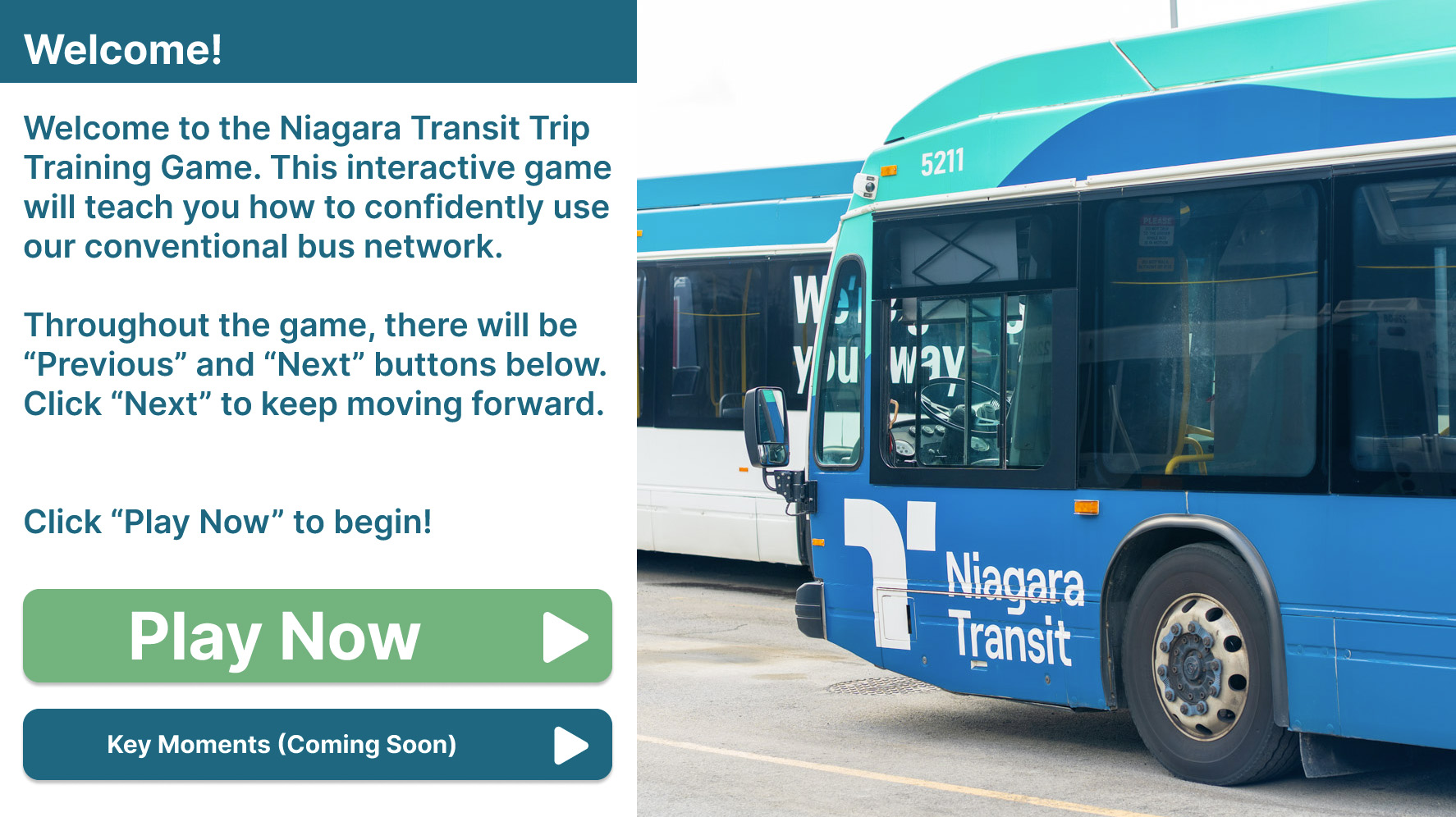
Interactive Trip Training
This interactive game will teach you how to use our conventional bus network confidently.
A few more first-timer questions
The little questions everyone has on a first trip, answered.
How do I find my stop?
Every stop has a sign with a four-digit stop number on it. The app shows you exactly which one to stand at. Jot the number down in case you need it later.
What if I don't have exact change?
The fare box can’t give change, so anything extra won’t come back to you. The easiest fix is buying a mobile ticket in the app, so you never need coins at all.
How does the driver know I want this bus?
Give a clear wave as the bus approaches so the operator knows to stop for you. After dark, light up your phone screen so you’re easy to see.
Can I ask the driver for help?
Yes, always. Tell them where you’re headed when you board and they’ll let you know when you’re there. There are no silly questions.
What if I miss my stop?
No problem. Just get off at the next one and the app will route you back, or ask the operator for the nearest safe stop to where you’re headed. It happens to everyone.
Are the buses accessible?
Yes. Every bus kneels, has a ramp, and has priority seating. More on accessibility.
Can I bring my bike?
Yes, free, on the front rack. See the Rider Guide.
What if I'm running late?
Track your bus live in the app so you know if you’ve got a minute to spare or need the next one.
Do transfers cost extra?
No. One fare covers two hours and as many buses as you need. Just keep your transfer or mobile ticket.
Is there service on holidays?
Yes, on a reduced schedule. Check holiday hours.
Can someone show me in person?
We offer free group presentations at seniors’ centres, schools and community centres. Request one.
Still have a question? Just ask.
Our customer service team is happy to help you plan your first trip, figure out your fare, or answer anything else.
Mon–Sat 7 a.m.–7 p.m. · Sun & holidays 10 a.m.–6 p.m.
Where to next?
Download the app
The Transit app plans trips, tracks your bus in real time, and sells mobile tickets, so you don’t need cash.
Sort your fare
Buy a ticket in the app, or set aside $3.50 in exact change. Kids 12 and under ride free.
Know your stops
Note the stop number where you’ll get on, and roughly where you’ll get off. The app shows both.